The shopper sees an isolated product
Each color has the right page, but the alternatives remain hidden when a shopper enters from search or a collection.

Separate products. One clear choice.
Groupify links independent products and shows them as color or image swatches while keeping URLs, media, and inventory separate.
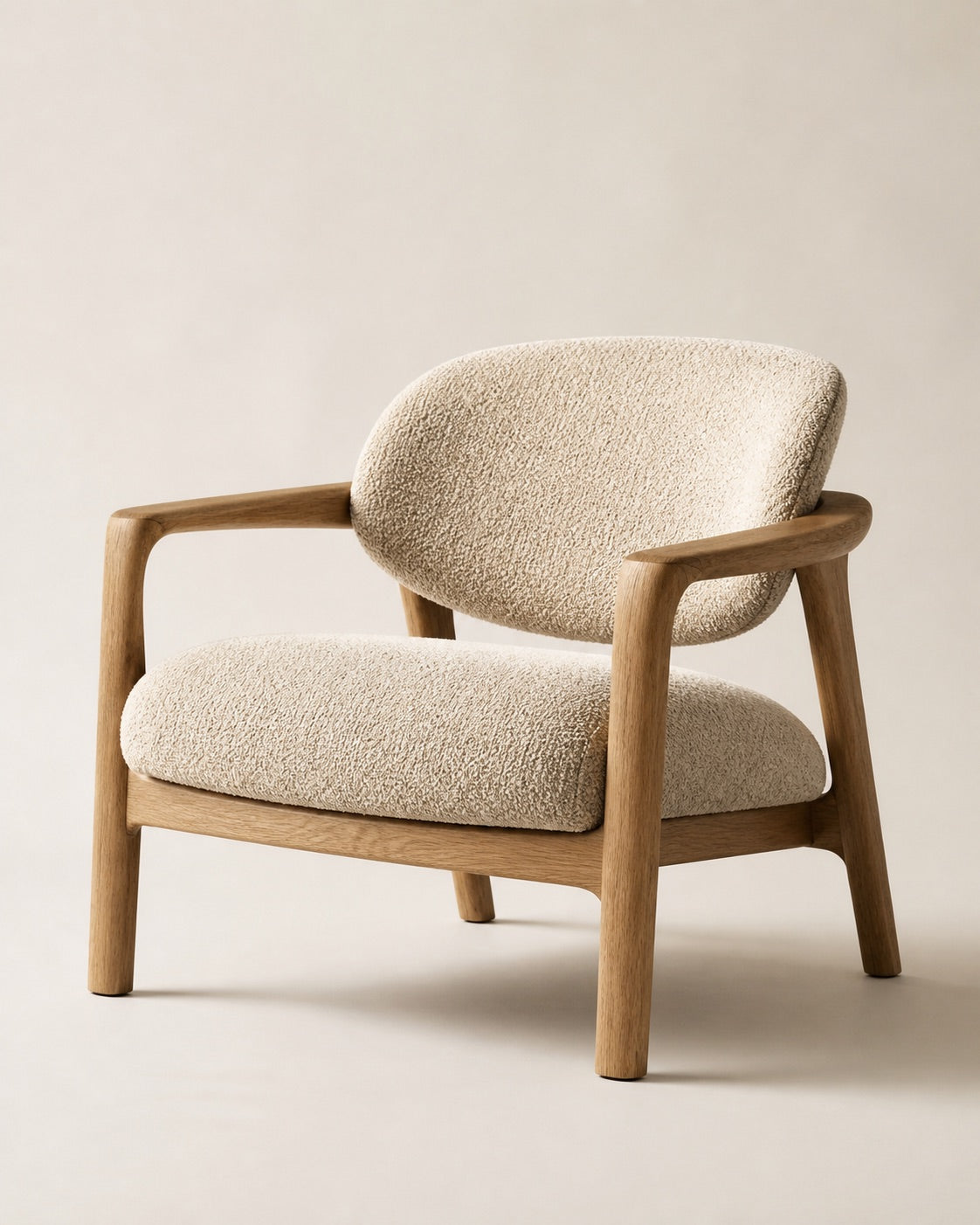 01 / 04
Arc Chair
Finish URL, media, and inventory stay independentFirst the problem. Then the connection.
Each color has the right page, but the alternatives remain hidden when a shopper enters from search or a collection.
Existing products enter the same group without being merged or converted into native variants.
Color, product photo, or custom image takes the shopper directly to the selected product page.
Configure dedicated displays for products, collections, search, home, pages, and mobile devices.
Oak Walnut
 Black
Black Natural
Separate products
The answer
Groupify keeps your catalog structure and adds the missing connection to the shopping experience.
Create a group by selecting existing Shopify products.
Assign the visible value, color, or image for every choice.
Define style and behavior for each storefront placement.
Use cases
Colors, materials, and finishes remain independent products while becoming instantly explorable.
Keep specific photos, descriptions, and URLs for every color while showing all alternatives as one family.
Connect woods, fabrics, stones, and finishes without squeezing complex content into one variant.
Present shades and textures through color, product photo, or custom image.
Bring related products together by finish, application, or composition while keeping distinct specifications.
Visual control
Each group can use different styles and sources depending on page and device.
Data and operation
Groupify adds a visual relationship; it does not move inventory, orders, or customers.
Shopify continues to manage the URL, media, price, and inventory of every product.
Groupify stores IDs, handles, values, colors, images, styles, and translations in the app database.
The theme app extension receives the group through the app proxy and builds navigation between products.
Groupify does not collect payment, order, customer, or storefront visitor analytics data.
Interactive demo
This simulation shows the transformation without accessing a real Shopify admin or changing products.
ARC / 01
OTHERIVER OBJECTS
This demo is an explanatory simulation: it does not create products, change inventory, or reproduce the real Shopify admin.
Accurate comparison
Groupify does not replace native variants and does not create a Shopify Combined Listing.
Best when every option can live in the same product record.
A native parent/child model available to Shopify Plus stores.
For merchants who already have separate products and want them to feel like one family.
Pricing
Every plan includes product and collection pages plus a 7-day free trial.
Circular and square color swatches on products and collections.
All styles, home, pages, and context-specific settings.
Photo swatches, custom images, and complete access.
Prices in USD. Pro is also available at $399.99 per year.
Visual guide
The journey remains understandable without playing a video.
Search for and add products that share a characteristic.
Define name, color, photo, or image and customize the selector.
Show the group in approved contexts and verify desktop and mobile.
FAQ / SEO
Groupify connects separate Shopify products and shows them as visual choices through color swatches, photos, images, or other configurable selectors.
Yes, at the visual experience level. Each choice takes the shopper to the corresponding Shopify product, which remains an independent resource.
No. Groupify does not use the native Combined Listings model and does not require a Shopify Plus plan.
Combined Listings creates a native parent/child relationship and is available on Shopify Plus. Groupify instead creates a visual connection between existing products through a theme app extension.
Yes. Groupify does not merge products. URL, media, price, and inventory continue to be managed on the original Shopify product.
You can configure displays on product pages, collections, and search and, on the relevant plans, on the home page and store pages.
The current code includes ten styles: circular, square, polaroid, swatch in box, standard button, pill, dropdown, image menu, circular button, and text button.
Yes. You can enable separate mobile overrides for style, source, and swatch dimensions.
Yes. You can export every group or a selection and import a CSV prepared manually or generated by the app.
Yes. Groupify manages storefront translations for option names, values, badges, and informational text in enabled languages.
Configuration is stored in the app database. The storefront receives it through the app proxy; orders, customers, and inventory are not transferred to Groupify's database.
No. The feature presented on this page links existing products and does not automatically create or split variants or products.
No tool can guarantee SEO results. Groupify does preserve independent pages and URLs, so every product can continue to have its own content and media.
Basic is $9.99 per month, Growth is $19.99 per month, and Pro is $39.99 per month or $399.99 per year. Every plan has a 7-day free trial.
GROUPIFY / SHOPIFY
Connect products that belong to the same family and let shoppers explore every color, material, or finish.
